
Building a free GitHub Copilot alternative is no longer just a dream—it is a necessity for privacy-conscious developers. Let’s be honest: paying $20/month for GitHub Copilot, $20 for ChatGPT, and $20 for Claude adds up fast. By the end of the year, you are spending hundreds of dollars on subscriptions just to write code.
But in late 2025, the game has changed. With the release of DeepSeek R1 and the rise of autonomous agents, you no longer need to rent your intelligence from Big Tech. You can build a free GitHub Copilot replacement right on your laptop that is faster, more private, and often smarter than the paid version.
In this comprehensive guide, I will walk you through setting up the ultimate open-source stack: Cline + DeepSeek R1 + Ollama. By the end, you will have a fully autonomous coding agent running locally for $0.00.
Why You Need a Free GitHub Copilot Alternative
It isn’t just about saving money. While saving $240/year is great, the real advantage of building a free GitHub Copilot stack lies in Control and Privacy.
When you use cloud-based tools like Copilot or Cursor, your code snippets are sent to remote servers. For developers working on sensitive projects (fintech, healthcare, or stealth startups), this is a massive security risk. By running your AI locally, your IP never leaves your machine.
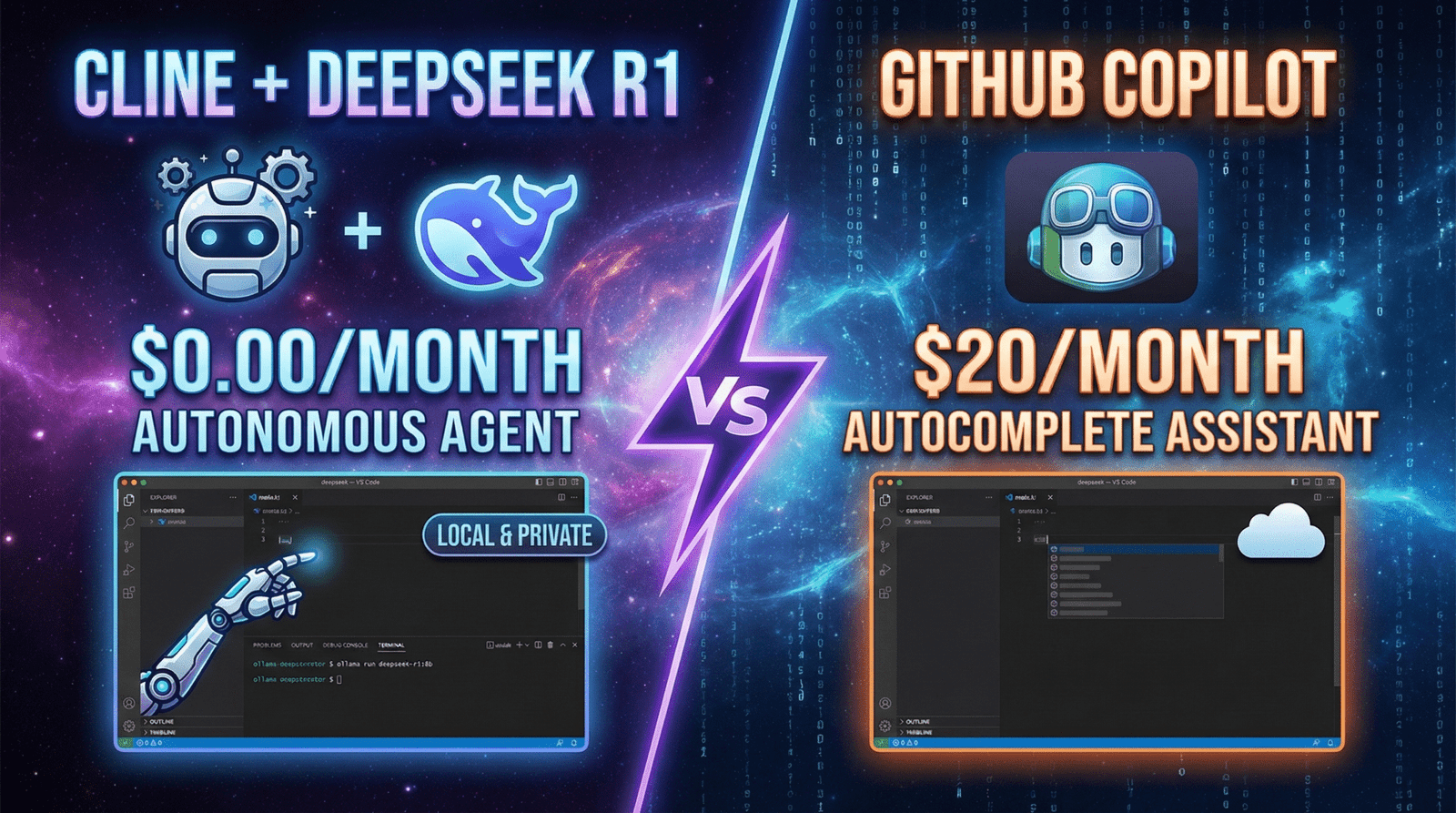
Furthermore, tools like Copilot are just “Autocomplete” engines. They guess the next line. The tool we are setting up today, Cline, is an “Agent.” It doesn’t just suggest code; it acts on it.
The Secret Weapon: What is Cline?
Unlike standard extensions, Cline (formerly Claude Dev) utilizes the new Model Context Protocol (MCP) to gain a deep understanding of your entire file system. It is currently the most advanced open-source interface for coding agents.
- Deep File Access: Cline can read your entire repository, not just the open file.
- Terminal Control: It can execute terminal commands (
npm install,python main.py,git commit) on your behalf. - Self-Healing: If it writes code that errors out, it can read the error message in the terminal and rewrite the code to fix it automatically.
The Brain: Why DeepSeek R1?
For the “Brain” of our free GitHub Copilot, we are using DeepSeek R1. As I covered in my recent review, this model has shocked the industry by outperforming GPT-4 on coding benchmarks (HumanEval and SWE-bench).
Because DeepSeek released “Distilled” versions (7B, 8B, 14B, 32B), you can run state-of-the-art reasoning on standard consumer hardware. You don’t need an H100 cluster; you just need a MacBook or a gaming PC.
Step 1: Install Ollama (The Engine)
To run AI models locally, we need an engine. Ollama is the industry standard for running LLMs on Linux, macOS, and Windows.
- Go to the official Ollama website and download the installer for your OS.
- Install it and open your terminal (Command Prompt or Terminal.app).
- Verify it is running by typing:
ollama --version.
Step 2: Download the DeepSeek Model
Now we need to download the specific “Brain” for our agent. For this guide, we will use the 8-billion parameter version of DeepSeek R1, which offers the best balance of speed and intelligence for coding.
Run this command in your terminal:
ollama pull deepseek-r1:8b(Pro Tip: If you have a computer with 32GB+ RAM, try ollama pull deepseek-r1:32b for even smarter reasoning. The 8b version is blazing fast for autocomplete).
Step 3: Install Cline in VS Code
Now let’s set up the interface.
- Open VS Code.
- Click on the Extensions icon in the left sidebar (or press
Ctrl+Shift+X). - Search for “Cline”.
- Click Install. You will see a new robot icon appear in your sidebar.
Step 4: Connect the Brain to the Body
This is the critical step where we connect Cline to your local Ollama instance, effectively creating your free GitHub Copilot replacement.
- Click the Cline Robot Icon in the sidebar.
- Click the Settings (Gear Icon) in the top corner of the chat window.
- Look for “API Provider”. From the dropdown menu, select “Ollama”.
- It should auto-detect your running models. Select
deepseek-r1:8bfrom the list. - Context Window: Set this to 16384 (or higher if your RAM allows) to let the AI read more files at once.
- Click Done.
Step 5: The “Agentic” Workflow Test
Now comes the magic. Unlike Copilot where you wait for suggestions, with Cline, you give orders.
Try this prompt:
“Create a modern landing page using React and Tailwind CSS. Setup the project structure, create a Hero component, and add a responsive navbar.”
Watch what happens:
- Cline will plan the task step-by-step.
- It will ask permission to run
npx create-react-app(Click “Always Allow” if you trust it). - It will generate the files.
- It will edit the CSS.
You can sit back and sip coffee while it builds the skeleton of your app. This is a level of autonomy that the paid version of GitHub Copilot still struggles to match.
Advanced Configuration: Custom System Prompts
To make your free GitHub Copilot even better, you can give it a “Persona.” In Cline settings, you can add a Custom System Prompt.
Paste this in for better coding results:
You are an expert Senior Software Engineer.
- Always prefer modern syntax (ES6+, Python 3.12+).
- Always add type hinting.
- When fixing a bug, explain the root cause first.
- Be concise. Do not apologize. Just write code.
This simple tweak stops the AI from being too “chatty” and forces it to focus on high-quality output.
DeepSeek R1 vs. GitHub Copilot: The Comparison
Is a free GitHub Copilot actually better? Let’s look at the specs.
| Feature | GitHub Copilot ($20/mo) | Cline + DeepSeek ($0/mo) |
|---|---|---|
| Cost | $240 / Year | Free |
| Privacy | Cloud (Data sent to MS) | Local (100% Private) |
| Capabilities | Autocomplete + Chat | Full Autonomous Agent |
| Latency | Fast (~300ms) | Dependent on GPU |
| Context | Limited (8k-32k) | Flexible (Up to 128k) |
Troubleshooting Your Setup
Even the best free GitHub Copilot setup can have hiccups. Here are common issues and fixes:
- Issue: It’s too slow.
Fix: You might be using a model that is too big for your RAM. Try switching from the8bmodel to the7bor even the1.5bdistilled versions (like Qwen 2.5 Coder) for lightning speed. - Issue: Cline keeps asking for permission.
Fix: In Cline settings, you can toggle “Always Allow Read/Write” for specific folders. This allows the agent to work faster without you clicking “Approve” every 5 seconds. - Issue: “Ollama Connection Failed”.
Fix: Ensure Ollama is actually running in your background. Open a terminal and typeollama serveto restart the backend.
Conclusion: The Future is Local
The era of renting AI is coming to an end. With tools like Cline and models like DeepSeek, the power of a senior engineer is now available to anyone with a laptop, completely free of charge.
By building your own free GitHub Copilot, you aren’t just saving money; you are taking control of your data, your workflow, and your future. Stop paying for subscriptions you don’t need. The best tools in 2025 are Open Source.
Frequently Asked Questions (FAQ)
Is this truly a free GitHub Copilot alternative?
Yes. The software (Cline) is open-source, and the model runner (Ollama) is free. The model itself (DeepSeek R1) is open weights. The only “cost” is your computer’s electricity.
Can my laptop run DeepSeek R1?
Most modern laptops (MacBook M1/M2/M3 or Gaming PCs with NVIDIA RTX 3060+) can run the 7B or 8B versions of DeepSeek R1 easily. The massive 70B version requires enterprise-grade GPUs or a Mac Studio.
Is Cline safe to use?
Yes, Cline is open-source, meaning the community audits the code for security. When used with Ollama, your code never leaves your computer, making it significantly safer than cloud-based tools for privacy-conscious developers.
Does this work with Python and JavaScript?
Yes, DeepSeek R1 is trained on billions of lines of code in Python, JavaScript, TypeScript, Rust, and Go. It excels at modern web development frameworks and data science scripts.
Can I use other models besides DeepSeek?
Absolutely. Because Cline is model-agnostic, you can swap DeepSeek for Llama 3, Mistral, or Qwen 2.5 Coder instantly inside the settings menu without breaking your workflow.